

SpeedBox 3.2 B.Tuning for Brose (S-Mag Pro FIT) - Package: BAG, Qty: 10 pcs + 1 free
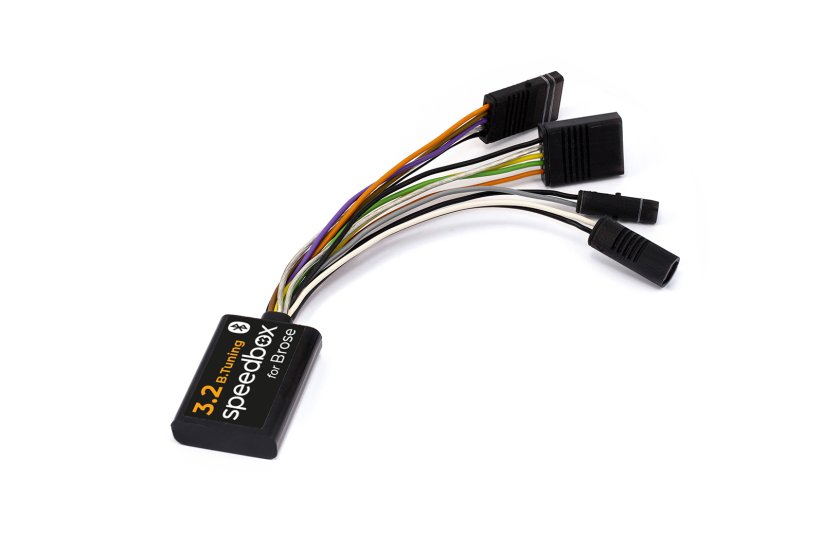
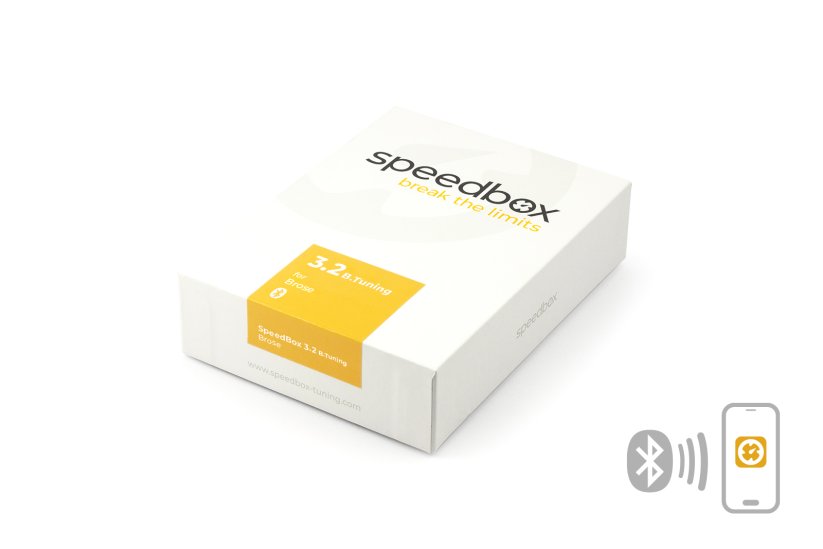




Tuning chip with Bluetooth for e-bikes with Brose S-Mag Pro FIT motor
Unlock the 25 km/h limit and use the full power of your e-bike without restrictions!
More natural riding, higher speed, maximum experience
The display shows real speed
More
Product code: SB32BT_BRO_10+1pcs_BAG Shipping and Payment
Key features
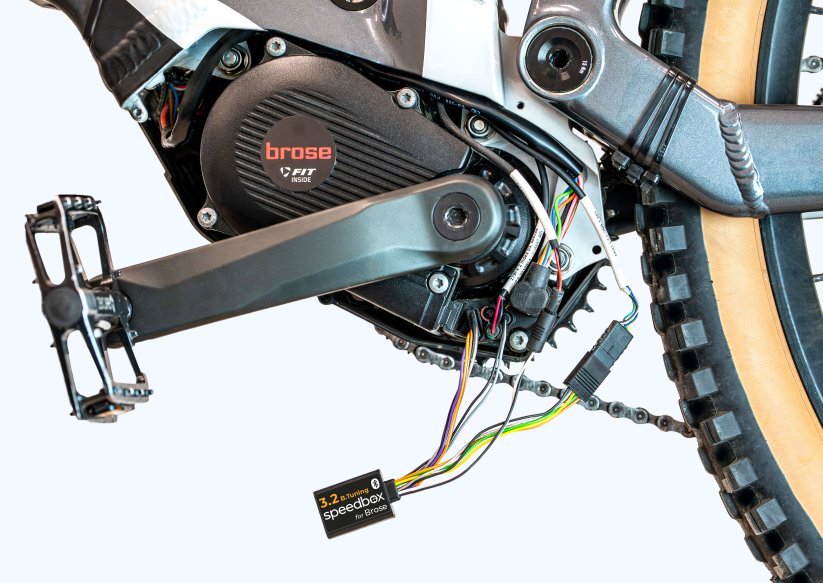
SpeedBox 3.2 B.Tuning for Brose is a tuning chip designed specifically for e-bikes with Brose S-Mag Pro FIT motors. By removing the 25 km/h speed limit, you can fully enjoy the performance of your e-bike.
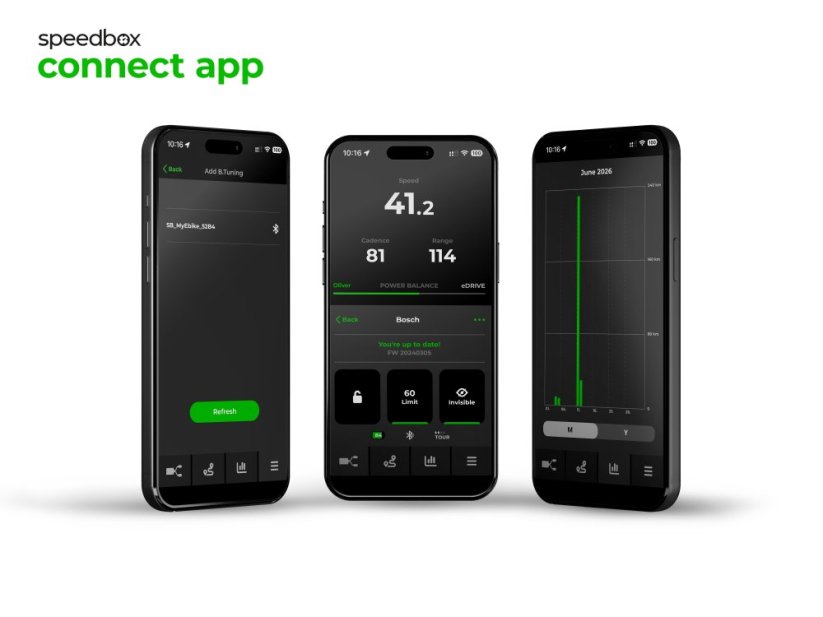
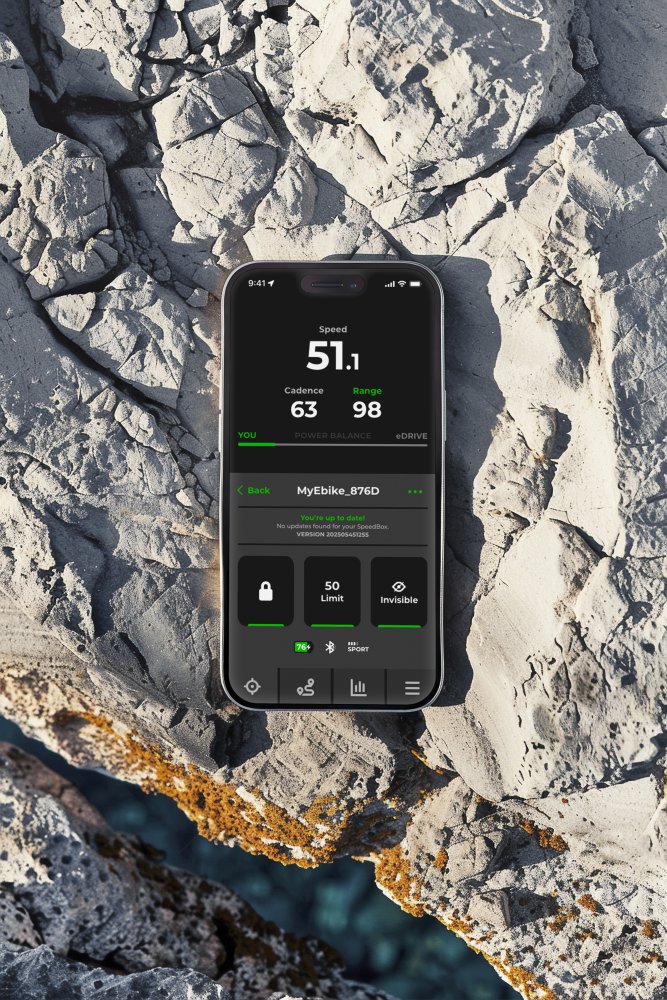
SpeedBox Connect offers a unique connection between the e-bike and a smartphone.

Tuning control
Switching from the 25 km/h limit to unlimited mode and back

SpeedBox Connect
The B.Tuning version with Bluetooth connects your e-bike to a mobile phone
Easy installation
Thanks to clear instructions including a video, anyone can handle the installation
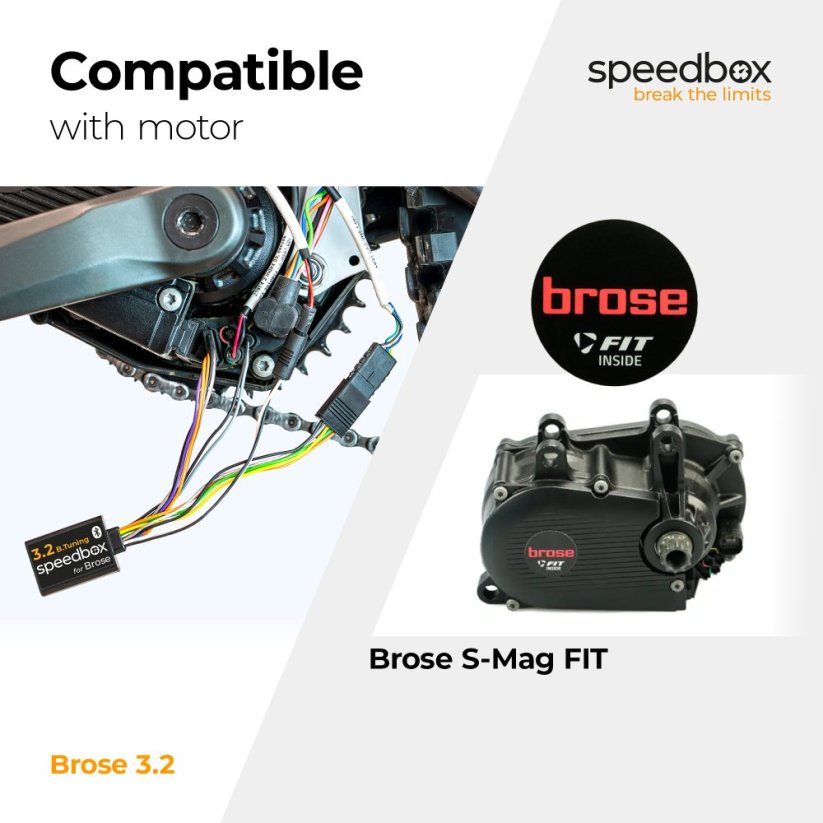
Compatibility
Motors: Brose S-Mag Pro FIT
Not compatible with: Enviolo Automatiq
Not compatible with e-bikes: without a connector in the display port, ABS
Technical specifications
| Maximum speed | Unlimited (depends only on pedaling cadence) |
|---|---|
| Display shows | Real values |
| Custom speed limit | Adjustable |
| 3 activation / deactivation methods | In the app or double press of the LIGHT button, alternatively + - + - buttons |
| Bluetooth | Yes |
| Updates | Yes |
| Minimum mileage before installation | 10 km (new bike) |


Installation
The installation is simple and intuitive. Choose the method that suits you best — video tutorial, printed manual, or a detailed step-by-step picture guide.
Video tutorial
A detailed installation and activation guide is available on our YouTube channel
Printed manual
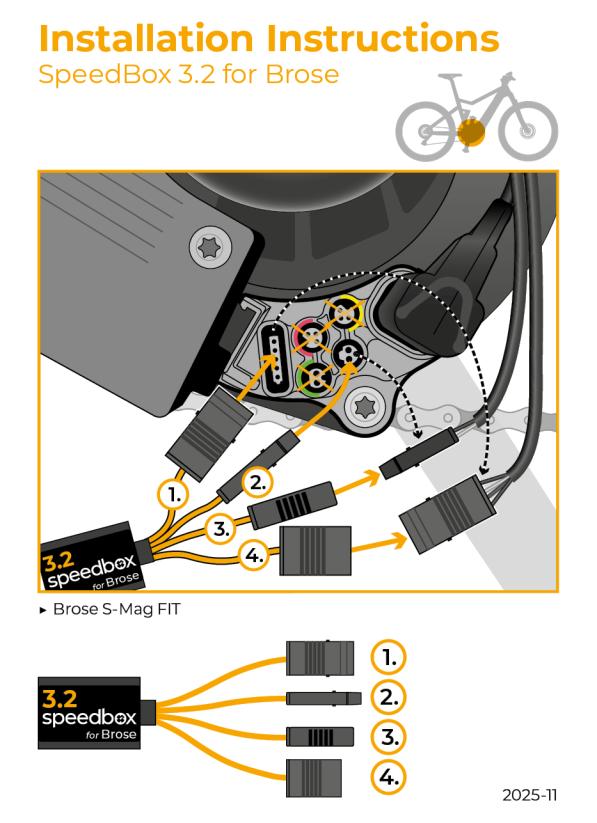
The product package includes a printed manual with a wiring diagram for connecting the chip to the motor
Step by step
The illustrated guide walks you through installation step by step — from removing the motor cover to the test ride. Each step includes photos and a clear description.
User manual →Tuning control
You can activate the tuning in the SpeedBox Connect (Tuning off / Tuning on).
Alternatively, you can enable it by double-pressing the LIGHT button.
The display briefly shows 5 km/h (3 mph), which means tuning is active — from this moment there is no speed limit and your speed depends only on motor power and pedaling rhythm.
Deactivate tuning the same way.
The display shows 2 km/h (1 mph) and the bike returns to the original 25 km/h limit.
Alternatively, tuning can be controlled using the + – + – button sequence.
Custom speed limit setting
SpeedBox allows you to set your own speed limit (for example to save battery).
You can change the speed limit again in the SpeedBox Connect.
Or on the controller switch to AUTO mode and then move 3× down and 3× up in this order:
→ STD → ECO → OFF → ECO → STD → AUTO.
The display shows the current speed limit.
Double-press LIGHT to increase the limit by 5 km/h each time.
The last selected limit saves automatically after 5 seconds of inactivity.
Note: The display does not show decimal points.
For example, a displayed value of 3 km/h actually means 30 km/h, and after another double-press it becomes 35 km/h.

Warning
- Use of modified e-bikes is regulated differently in each country — always check local legislation before riding.
- SpeedBox is intended for off-road use only and is used at your own risk.
- The manufacturer is not responsible for damage caused by illegal or improper use.
- Installation may void your e-bike warranty.
- For your safety, use protective equipment and ride responsibly.



| Bluetooth/ SpeedBox Connect | YES |
|---|