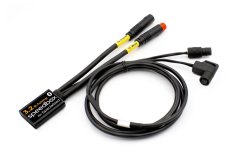

SpeedBox 3.1 B.Tuning for Brose - Package: BOX, Qty: 1 pcs
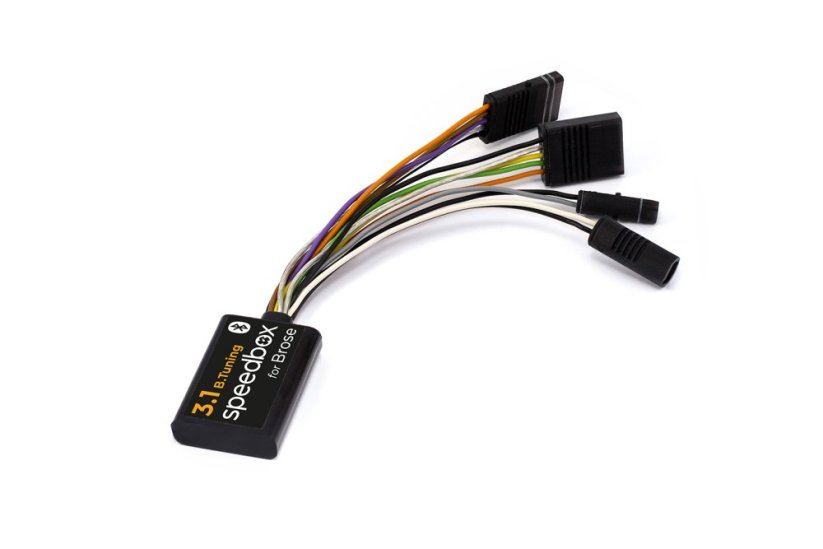
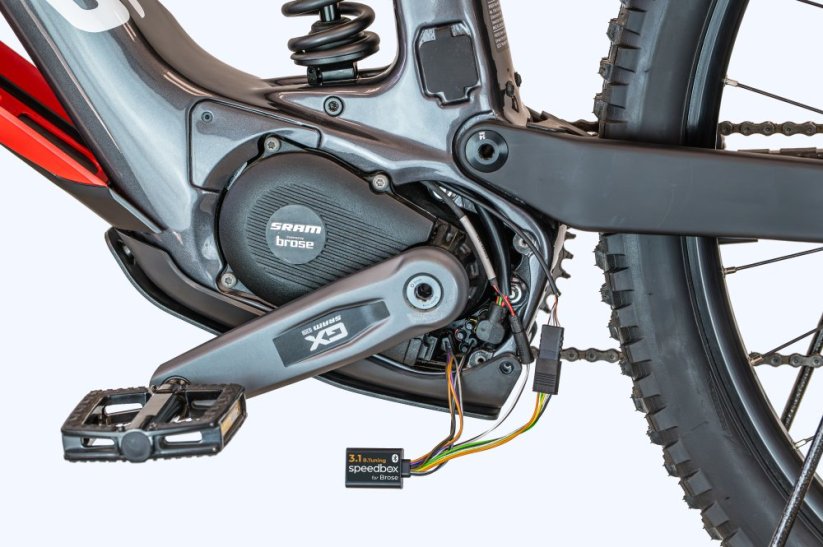




Tuning chip for e-bikes with Brose, Specialized and SRAM systems
Unlock the 25 km/h speed limit and enjoy the full power of your e-bike!
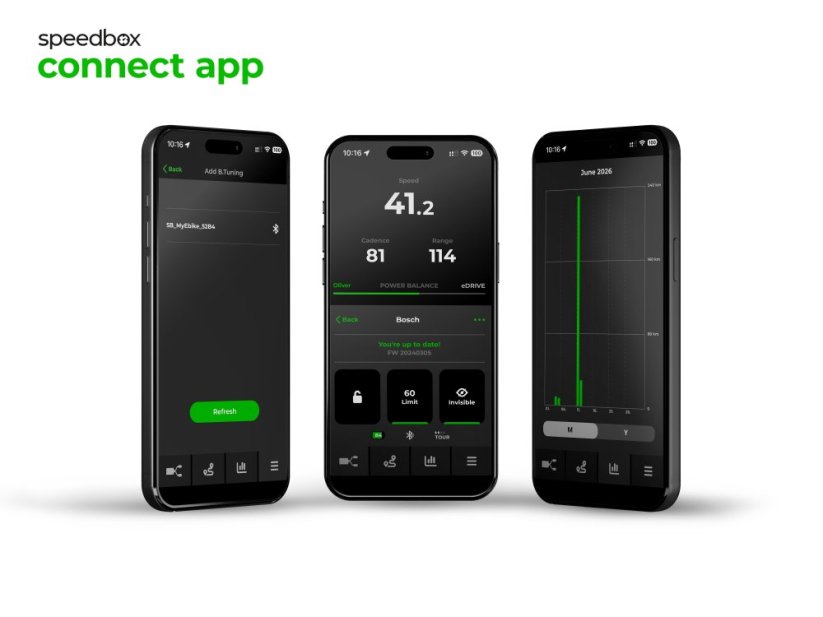
Bluetooth • SpeedBox Connect
Compatible with:
Brose motors (Specialized, S-MAG, S, T, C, T-ALU)
SRAM Powertrain by Brose
Not compatible with:
Brose Remote Control
e-bikes without a connector in the display port (usually only a blank plug)
ABS
More
Product code: SB31BT_BRO_1pcs_BOX Shipping and Payment
Key features
SpeedBox 3.1 B.Tuning with integrated Bluetooth is a smart third-generation tuning chip for e-bikes with Brose and Specialized units, including the SRAM Powertrain unit. It removes the 25 km/h speed limit and, thanks to the SpeedBox Connect app, offers a unique connection between your e-bike and smartphone.

Tuning control
Switching from the 25 km/h limit to unlimited mode and back

SpeedBox Connect
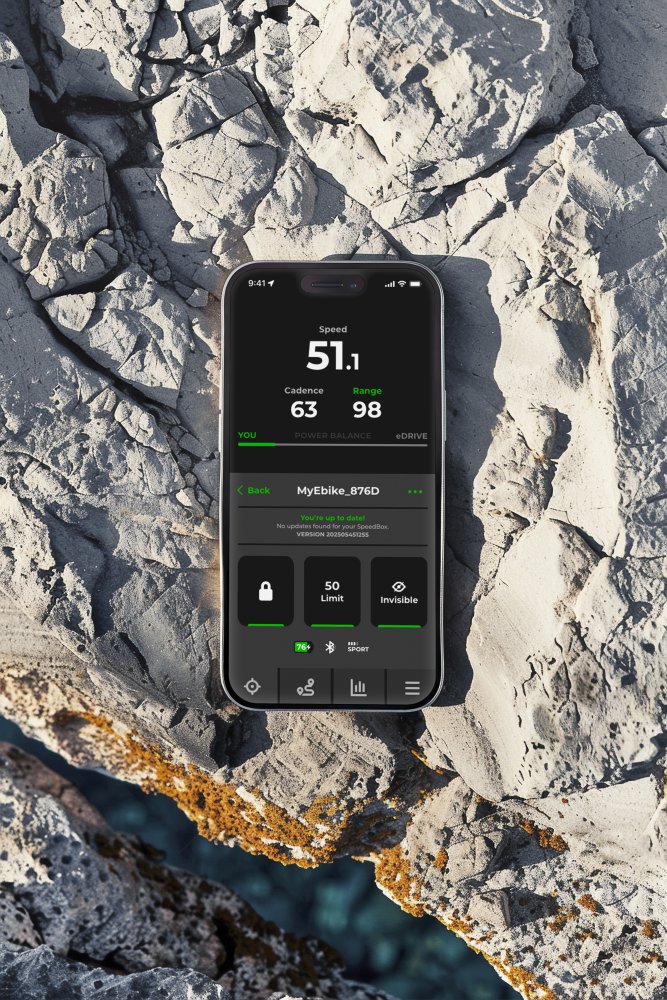
Connects your e-bike to a mobile phone via Bluetooth

Easy installation
Thanks to clear instructions including a video, anyone can handle the installation

Compatibility
Motors: S-MAG, S, T, C, T-ALU, Specialized
Also compatible with: SRAM Powertrain by Brose
Not compatible with: Brose Remote Control, e-bikes without a connector in the display port (usually have only a blanking plug), ABS
Technical specifications
| Maximum speed | Unlimited (depends only on pedaling cadence) |
|---|---|
| Display shows | Real values |
| Custom speed limit | Adjustable (in the SRAM system in the SRAM AXS app) |
| 3 activation / deactivation methods | Via the SpeedBox Connect app / WALK function / + − + − button combination |
| Bluetooth | Yes |
| Updates | Yes |
| Minimum ride distance before installation | 10 km (new bike) |


Installation
Installing the device is easy and intuitive. Choose the option that suits you best – a video guide, a printed manual, or a detailed step-by-step picture guide.
Video guide (standard)
Installation and tuning activation procedure for e-bikes with Brose and Specialized motors
Video guide (SRAM Powertrain)
Installation and tuning activation procedure for e-bikes with the SRAM Powertrain unit
Printed manual
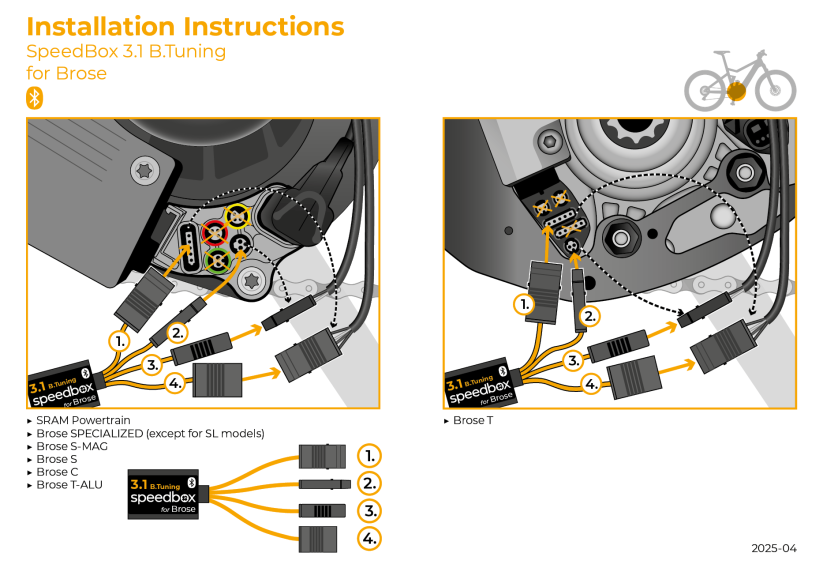
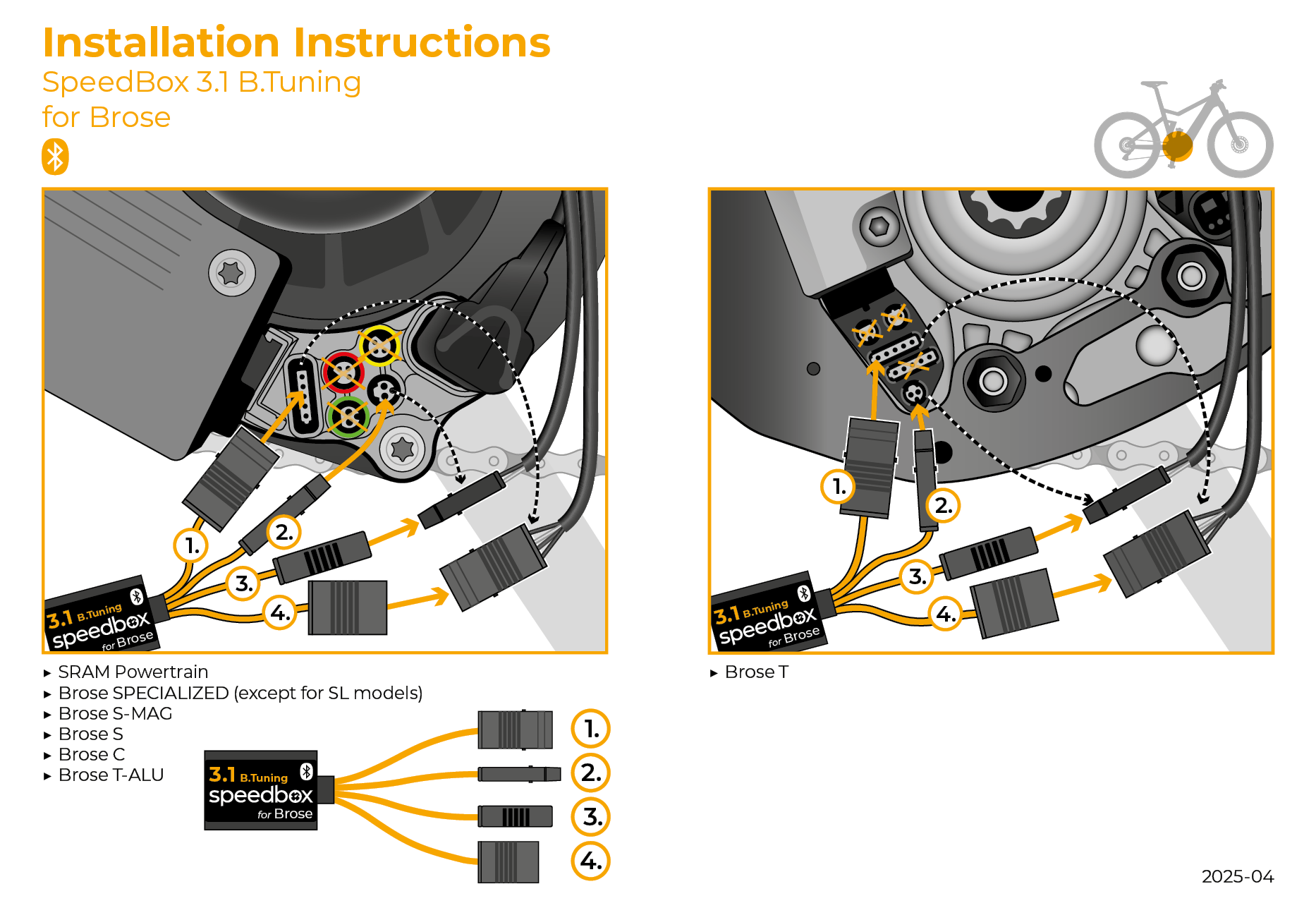
Inside the product package you will find a printed manual including a wiring diagram for connecting the chip to the motor
Step by step
The illustrated guide will walk you through the installation step by step — from removing the motor cover to the test ride. Each step is accompanied by photos and clear explanations.
User Manual →Tuning control (Brose, Specialized)
You can activate tuning in the SpeedBox Connect app, or directly on the e-bike's display by briefly activating the WALK function.
The display will briefly show a value of 99 km/h, indicating that tuning is active — from this point on you can ride at 40 km/h, 50 km/h, or even more than 60 km/h.
You deactivate tuning the same way — the display will show 25 km/h and the e-bike will return to its original speed limit.
If you don't have a classic control unit with the WALK function, you can control tuning using the + − + − button combination.
Setting a custom speed limit
You can set the maximum assistance speed in the SpeedBox Connect app, or on the display by gradually switching modes: TURBO → TRAIL → ECO → OFF → ECO → TRAIL → TURBO.
The current speed limit will then be displayed. Switch the limit by briefly activating the WALK function or turning the rear wheel 360°. The speed increases by 5 km/h each time.
The last displayed limit is saved after 5 seconds of inactivity.
Tuning control (SRAM Powertrain)
You activate or deactivate tuning by briefly activating the WALK function, or by switching between two assistance modes using the + − + − buttons.
Activating tuning (unlimited speed) → the display will show a battery value of 99%, which corresponds to a maximum speed of 99 km/h.
Deactivating tuning (limited speed) → the display will show a battery value of 25%, which corresponds to a speed limit of 25 km/h.
Setting the maximum assistance speed
You set a custom maximum speed in the SRAM AXS app, in the Ride Modes section. Here you adjust the Max Power parameter for individual modes — first decrease it three times, then increase it three times. The controller will briefly display the current speed limit as a battery percentage.
Then, using the WALK function, gradually set the maximum speed — each press increases the battery value by 5%, which corresponds to raising the speed limit by 5 km/h. For example, a value of 55% means a 55 km/h limit, 60% means 60 km/h, and so on.
The last displayed limit is saved after 5 seconds of inactivity.

Warning
- Rules for using derestricted e-bikes vary by country, so check local legislation before riding.
- SpeedBox is intended for off-road use only and you use it at your own risk.
- The manufacturer is not liable for damage caused by illegal or improper use.
- Installation may also void your e-bike warranty.
- For your safety, use appropriate protective gear and ride with maximum caution.



| Bluetooth/ SpeedBox Connect | YES |
|---|
Related products2
SpeedBox 3.2 for Specialized (Motors 3.1)