

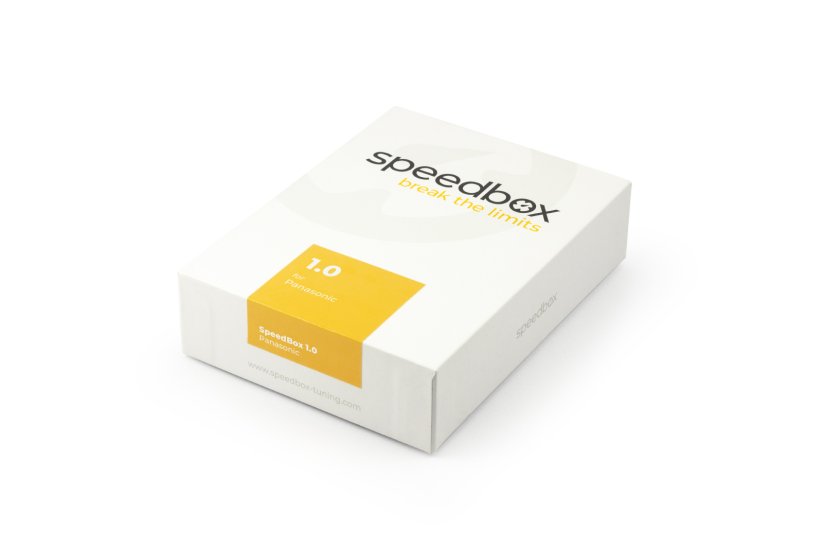
SpeedBox 1.0 for Panasonic (GX series) - Package: BOX, Qty: 20 pcs + 3 free



PROPERTIES:
Activation: activated at all times
Maximum speed: 50 km/h
Display shows: half values
Compatible with motors:
GX0
GX Ultimate
GX Ultimate Pro
GX Power Plus
GX Ultimate Pro FIT
Not compatible with: SpeedBox App
In case of updating the software of your e-bike, uninstall SpeedBox from the e-bike first, update the software and reinstall SpeedBox.
More
Product code: SB1_PAN_20+3pcs_BOX Shipping and Payment
Key features
SpeedBox 1.0 is a basic tuning chip for e-bikes with Panasonic motors. It doubles the e-bike's speed limit from the original 25 km/h to 50 km/h. The display shows speed values at half their real value.

Activated at all times
Once installed, the chip is permanently active — no switching on or off

50 km/h speed
Doubles the e-bike's speed limit from 25 km/h to 50 km/h

Easy installation
Thanks to clear instructions, anyone can install it at home
Compatibility
Panasonic motors: GX0, GX Ultimate, GX Ultimate Pro, GX Power Plus, GX Ultimate Pro FIT
Not compatible with: SpeedBox Connect
Technical specifications
| Maximum speed | 50 km/h |
|---|---|
| Display shows | Half values |
| Activation | Activated at all times |
| Bluetooth | No |
| Updates | No |
| Minimum mileage before installation | 10 km (new bike) |
Installation
Installing the device is easy and intuitive. Choose the option that suits you best — a video guide, a printed manual, or a detailed step-by-step picture guide.
Video guide
You can find a detailed installation procedure on our YouTube channel
Printed manual
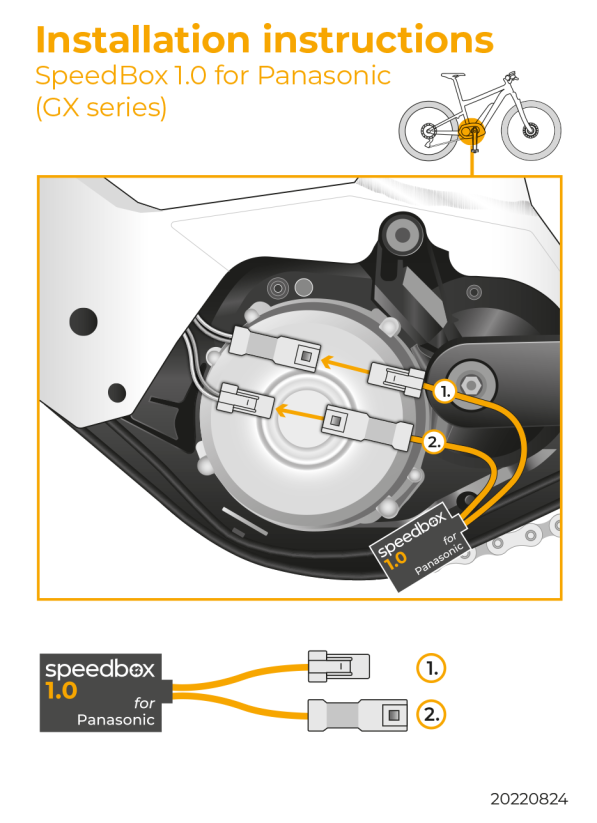
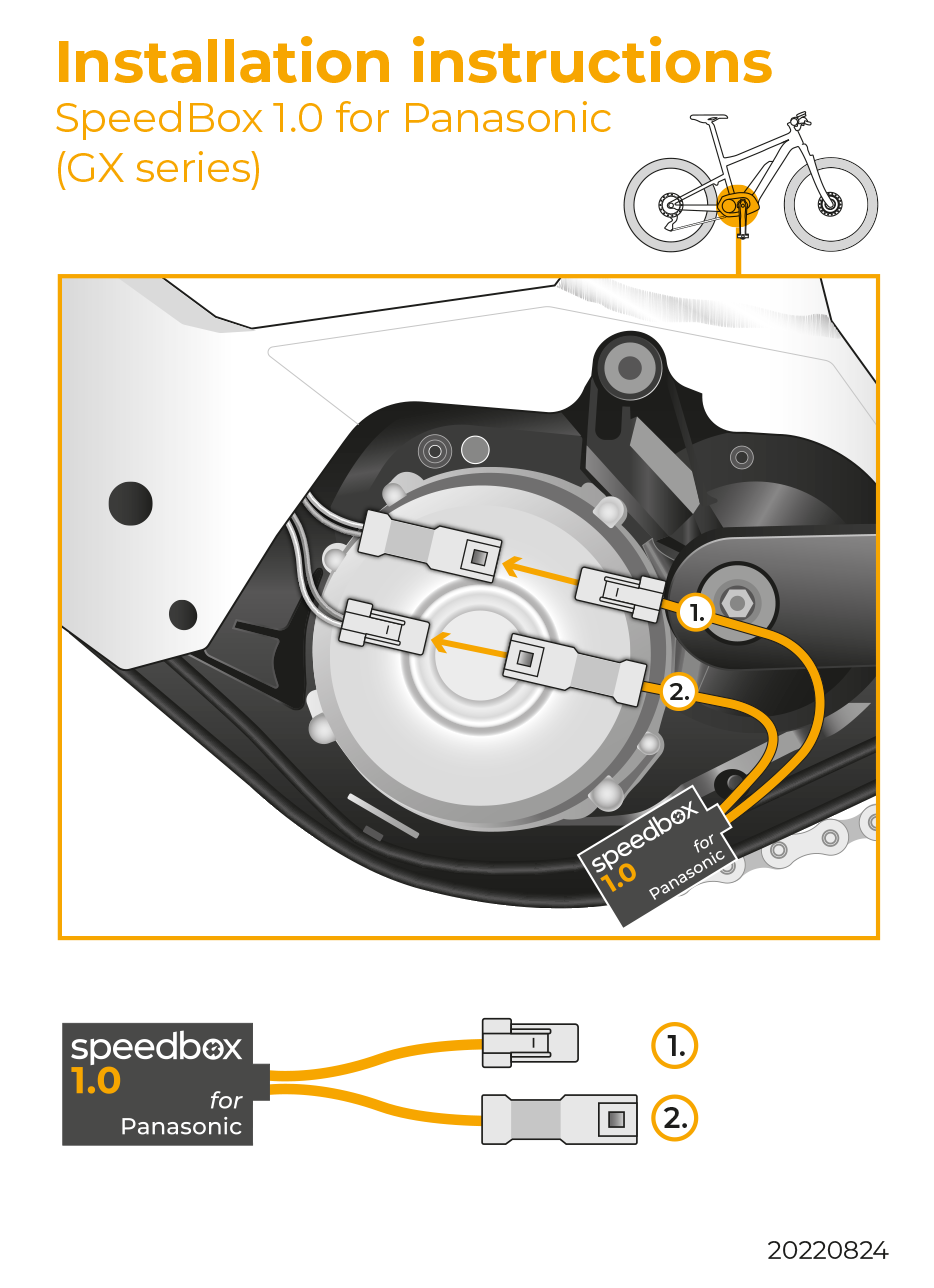
Inside the product package you will find a printed manual including a wiring diagram for connecting the chip to the motor
Tip: To identify the correct speed sensor connector — which is often well hidden inside the frame — gently pull on the sensor cable attached to the rear fork. By gently pulling, you will see which connector moves — this is how you'll find the right one to connect the SpeedBox.
Step by step
The illustrated guide will walk you through the installation step by step — from removing the motor cover to the test ride. Each step is accompanied by photos and a clear description.
User manual →
Warning
- Rules for using derestricted e-bikes vary by country, so check local legislation before riding.
- SpeedBox is intended for off-road use only and you use it at your own risk.
- The manufacturer is not liable for damage caused by illegal or improper use.
- Installation may also void your e-bike warranty.
- For your safety, use appropriate protective gear and ride with maximum caution.
- In case of updating the software of your e-bike, uninstall SpeedBox from the e-bike first, update the software, and then reinstall SpeedBox.



Melvin Kraus
Positives
NegativesLeide nicht mit meinem Panasonic Ultimate GX 95Nm 2023 im Kellys Bike kompatibel
Michal Hronček
PositivesVšetko v poriadku. Bez problémov nainštalovaný podľa návodu
Negatives
Related products2


SpeedBox Ebike Cleaner