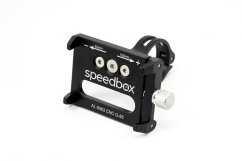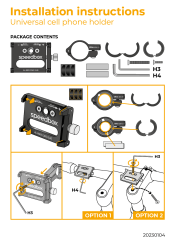

SpeedBox 1.1 B.Tuning for Bosch (Smart System) - Package: BOX, Qty: 1 pcs
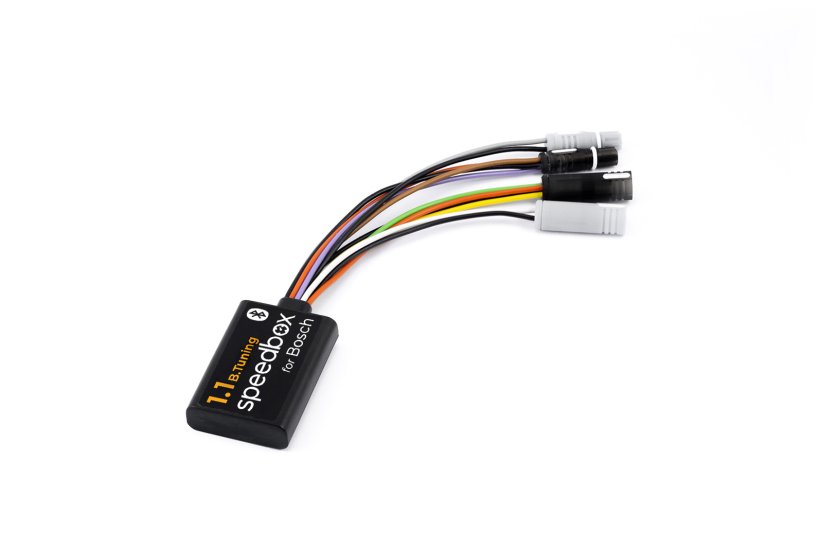
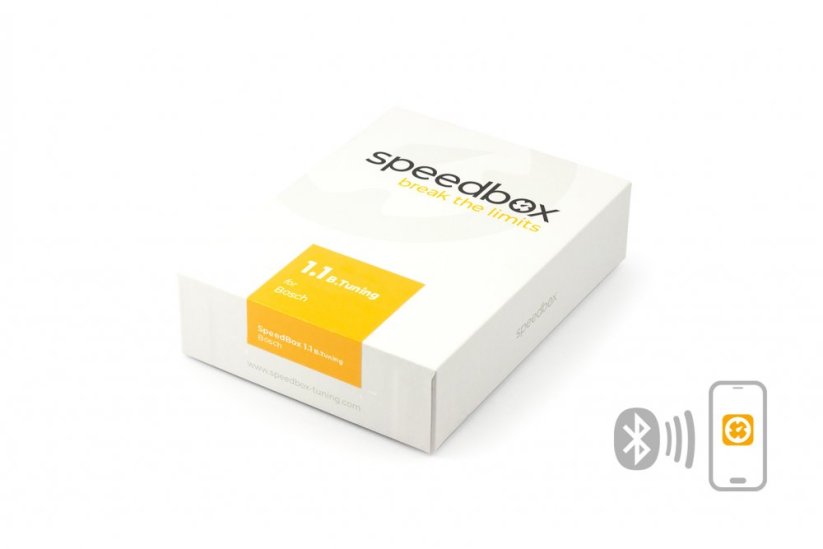
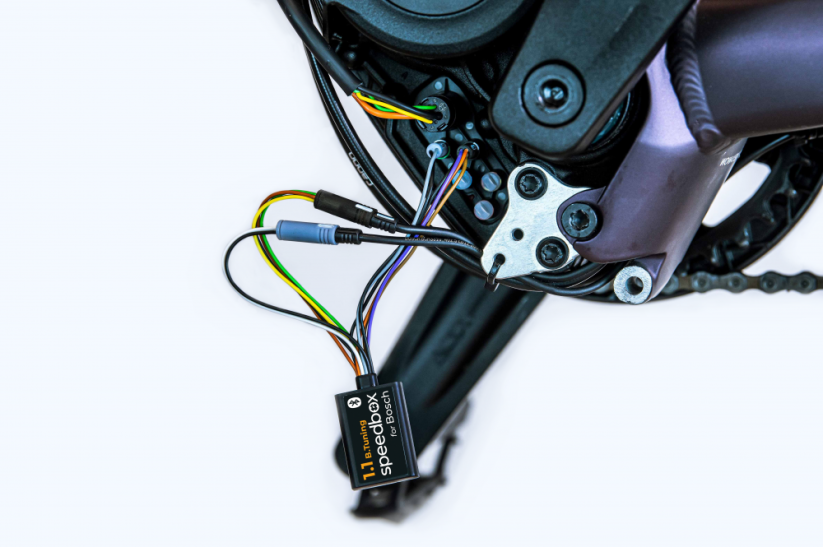




Tuning chip for e-bikes with Bosch Smart System
Unlock the 25 km/h speed limit of your e-bike!
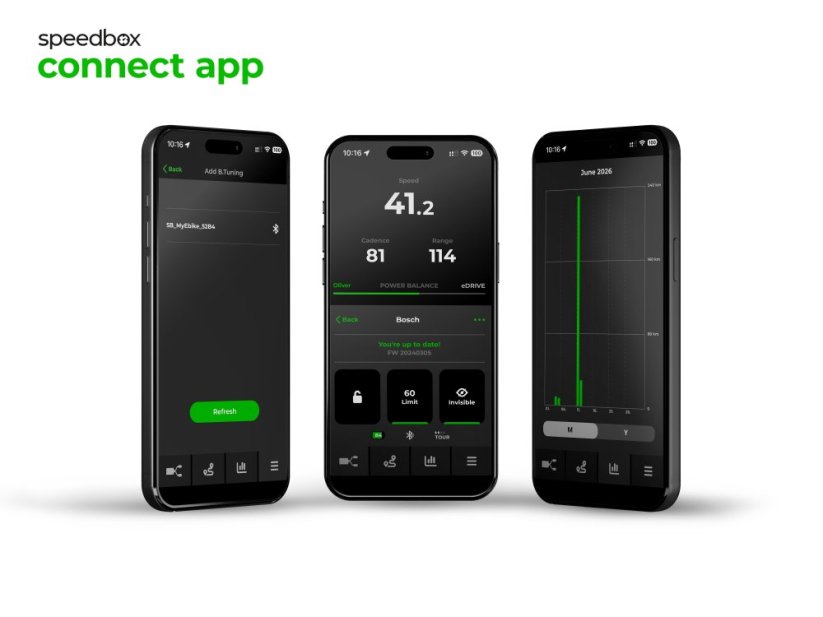
Bluetooth • SpeedBox App
COMPATIBILITY
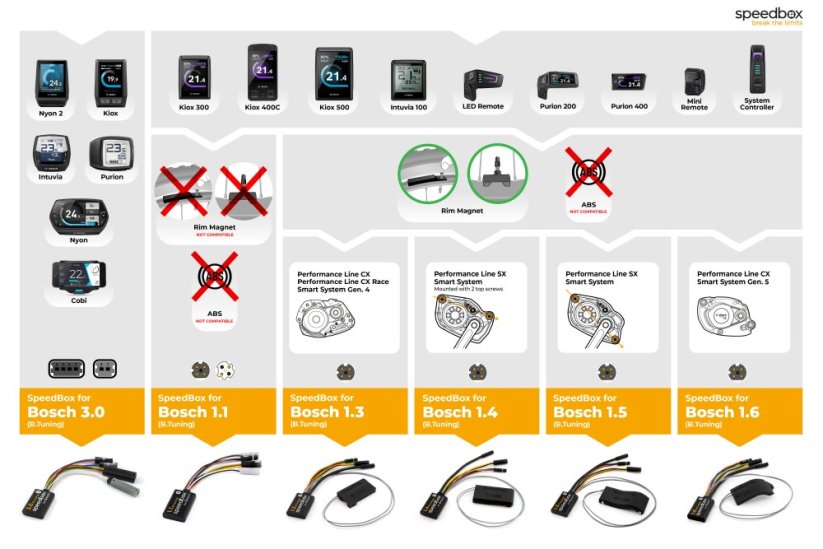
• Motors: Bosch Smart System, 4th & 5th generation
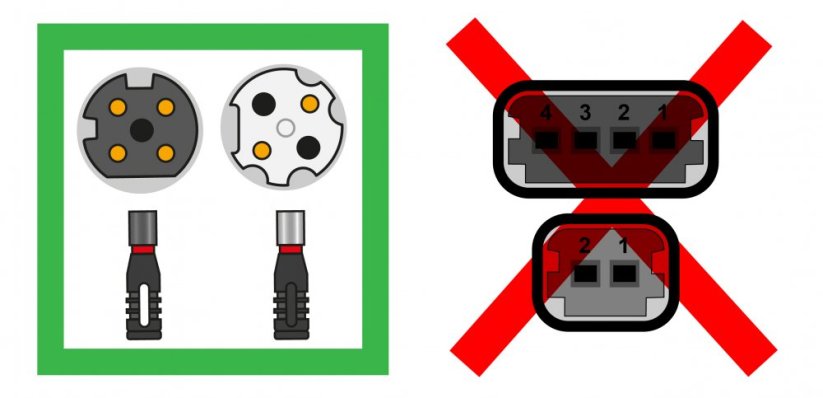
(round connectors)
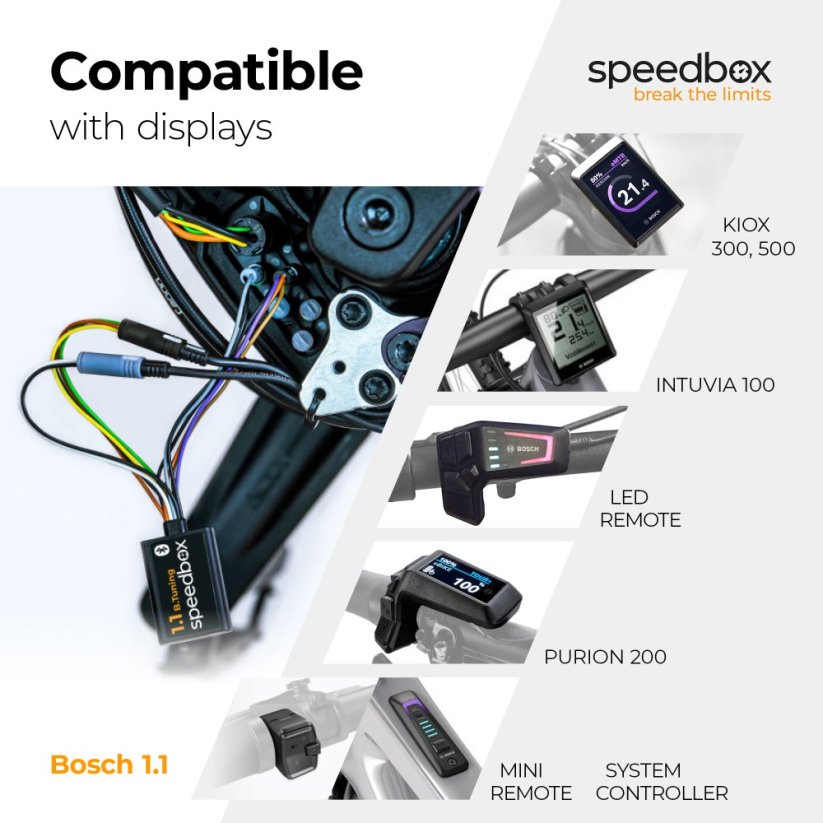
• Displays: Kiox 300 / 500
Purion 200 / 400
Intuvia 100
LED Remote, Mini Remote, System Controller
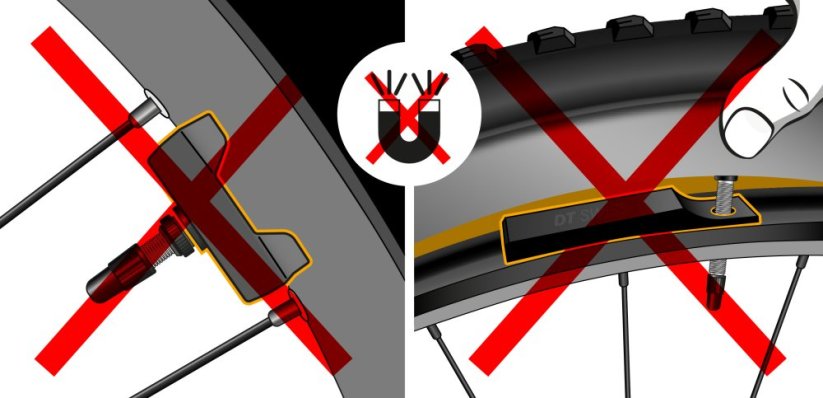
Not compatible with e-bikes using a Rim Magnet
View the list of supported software versions
Not sure which model to choose? → Use our Buyer's Guide
More
Product code: SB11BT_B_1pcs_BOX Shipping and Payment
Key features
SpeedBox 1.1 B.Tuning with integrated Bluetooth is the best-selling tuning chip for e-bikes with Bosch Smart System motors. It removes the 25 km/h speed limit and, thanks to the SpeedBox Connect, offers unique connectivity between your e-bike and smartphone.

Tuning control
Switch between the 25 km/h limit and unlimited mode

SpeedBox Connect
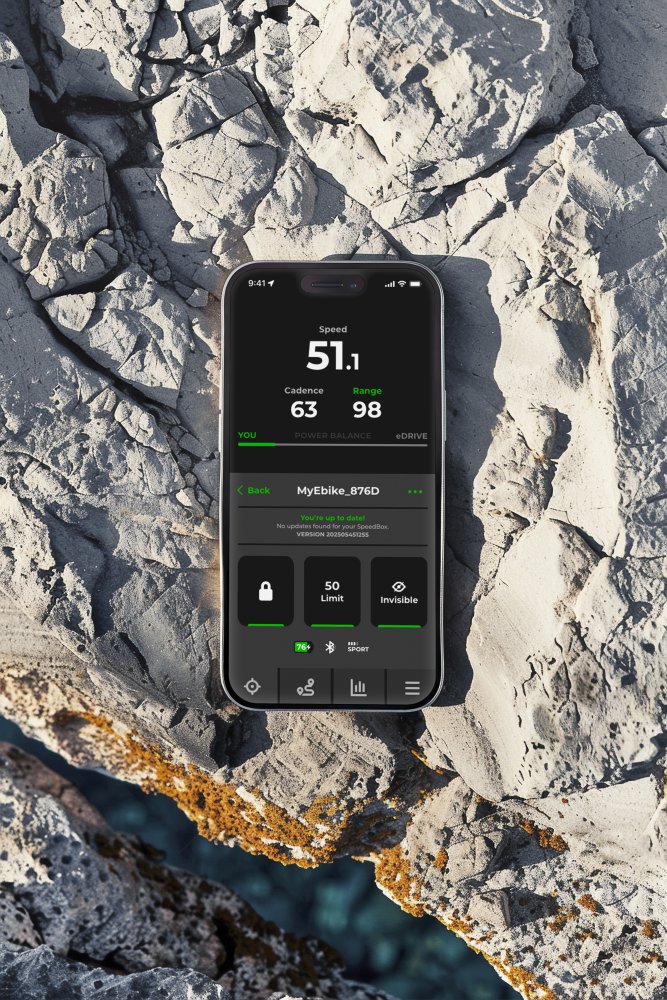
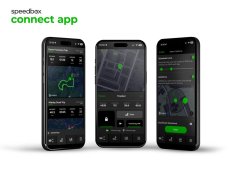
The B.Tuning version with Bluetooth connects your e-bike to your mobile phone

Easy installation
Thanks to clear instructions including a video, anyone can handle the installation
Compatibility
Motors: Bosch Smart System 4th & 5th gen (round connectors)
Displays: Kiox 300, Kiox 500, Intuvia 100, Purion 200, Purion 400
Units: LED Remote, Mini Remote, System Controller, SpeedBox Tracker
Not compatible with: standard motors (rectangular connectors), ABS, Enviolo Automatiq
Technical specifications
| Maximum speed | Factory preset 35 km/h (EU) / 22 mph (US). Do not change the speed limit.* |
|---|---|
| Display shows | Values approx. 10 km/h lower than the actual speed |
| 3 activation / deactivation | SpeedBox Connect / WALK function / + - + - buttons |
| Custom speed limit | Adjustable |
| Bluetooth | Yes |
| Updates | Yes |
| Minimum mileage before installation | 10 km (new bike) |

Installation
Installing the device is easy and intuitive. Choose the option that suits you best – a video guide, a printed manual, or a detailed step-by-step picture guide.
Video guide
You can find a detailed installation and tuning activation procedure on our YouTube channel
Printed manual
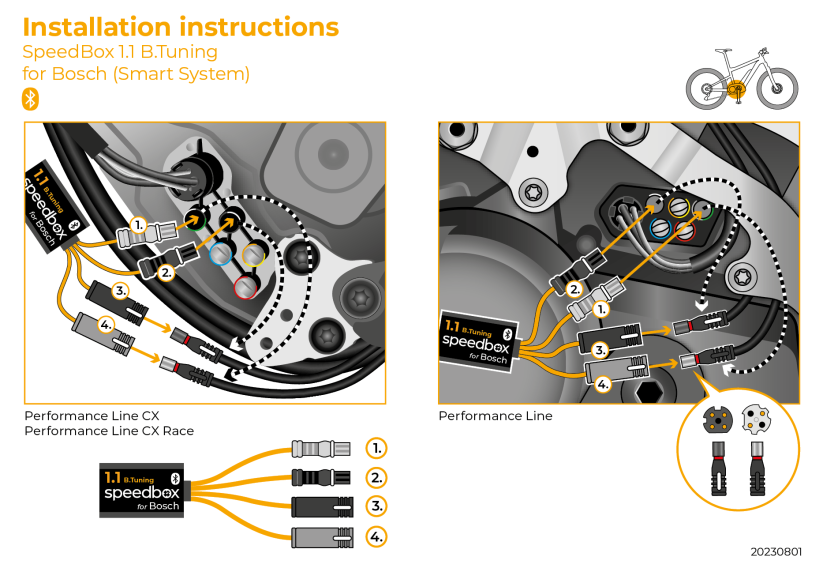
Inside the product package you will find a printed manual including a wiring diagram for connecting the chip to the motor
Step by step
The illustrated guide will walk you through the installation step by step — from removing the motor cover to the test ride. Each step is accompanied by photos and clear explanations.
User manual →Recommendations for trouble-free SpeedBox operation
- Keep the e-bike turned on after each ride until the “Countdown” (distance recalculation) is completed.
- During short stops, keep one foot on the pedal to prevent the countdown from starting.
- During longer stops, allow at least part of the countdown process to complete.
- Do not disconnect the display before the countdown is finished.
- Do not perform software updates – disable automatic updates.
- Always activate/deactivate tuning before or after the ride, not during.
- Do not increase the set maximum speed of 35 km/h.
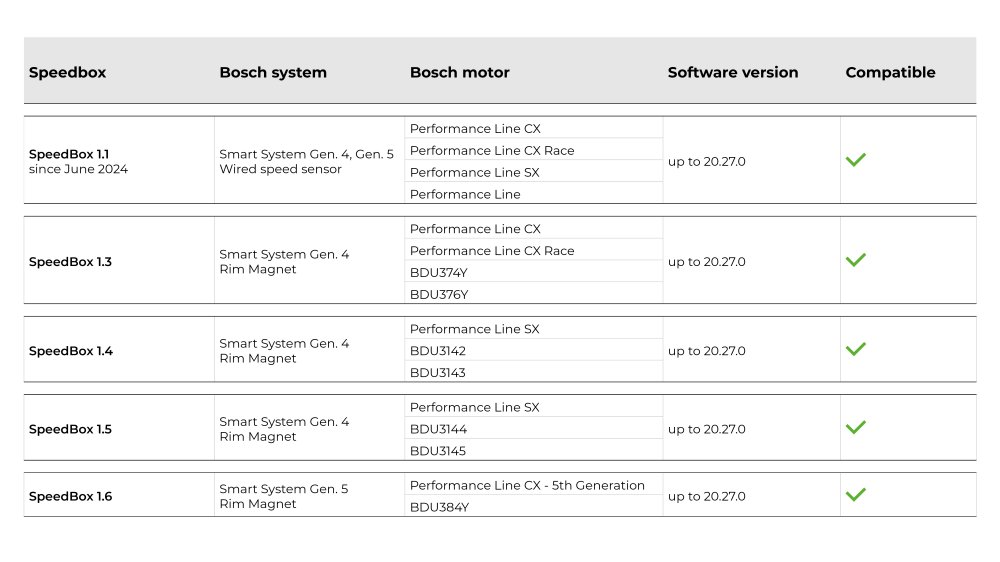
Overview of supported software versions:
Click the image below to view the complete compatibility chart.

Warning
- Rules for using derestricted e-bikes vary by country, so check local legislation before riding.
- SpeedBox is intended for off-road use only and you use it at your own risk.
- The manufacturer is not liable for damage caused by illegal or improper use.
- Installation may also void your e-bike warranty.
- For your safety, use appropriate protective gear and ride with maximum caution.



| Bosch Motor |  |
|---|---|
| Bluetooth/ SpeedBox Connect | YES |
fahr Rad Singer Singer Jakob
Positives
NegativesBosch erkennt immer wieder diesen Chip
Braggi Bamberger
Positivesquick and easy to set up, now the only limit I have is skills.
Negatives
Dominik Lisson
PositivesSchnelle Lieferung!
Unter 10min Montiert !
Wunschlos glücklich
NegativesDie App könnte man ein wenig verbessern
Dutch ID
PositivesWorks fine
NegativesIn 2024 not yet updatable via Speedbox app so after a Bosch update limited functionality. I have to send the unit in for modification (€ 59) to get t ...More
Axel Helmut Schmidt
Positives2x gekauft und alles sehr gut
Negatives
Alexandru Scotnotis
PositivesPerfect
NegativesThe only downside is that it doesn’t show the speed like the older model 1.0
Related products4
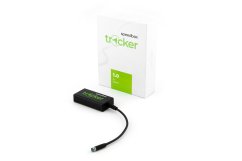
SpeedBox Tracker for Bosch

SpeedBox Ebike Cleaner


SpeedBox ChainCare Pro